🔒 100% Private & Offline
Most online converters upload your images to a remote server. PixelToPath runs locally on your computer. Your designs, logos, and photos never leave your device.
PixelToPath is a free, open-source desktop tool that transforms your bitmap images into clean, scalable vector graphics. No file uploads, no waiting lists, no subscription fees.
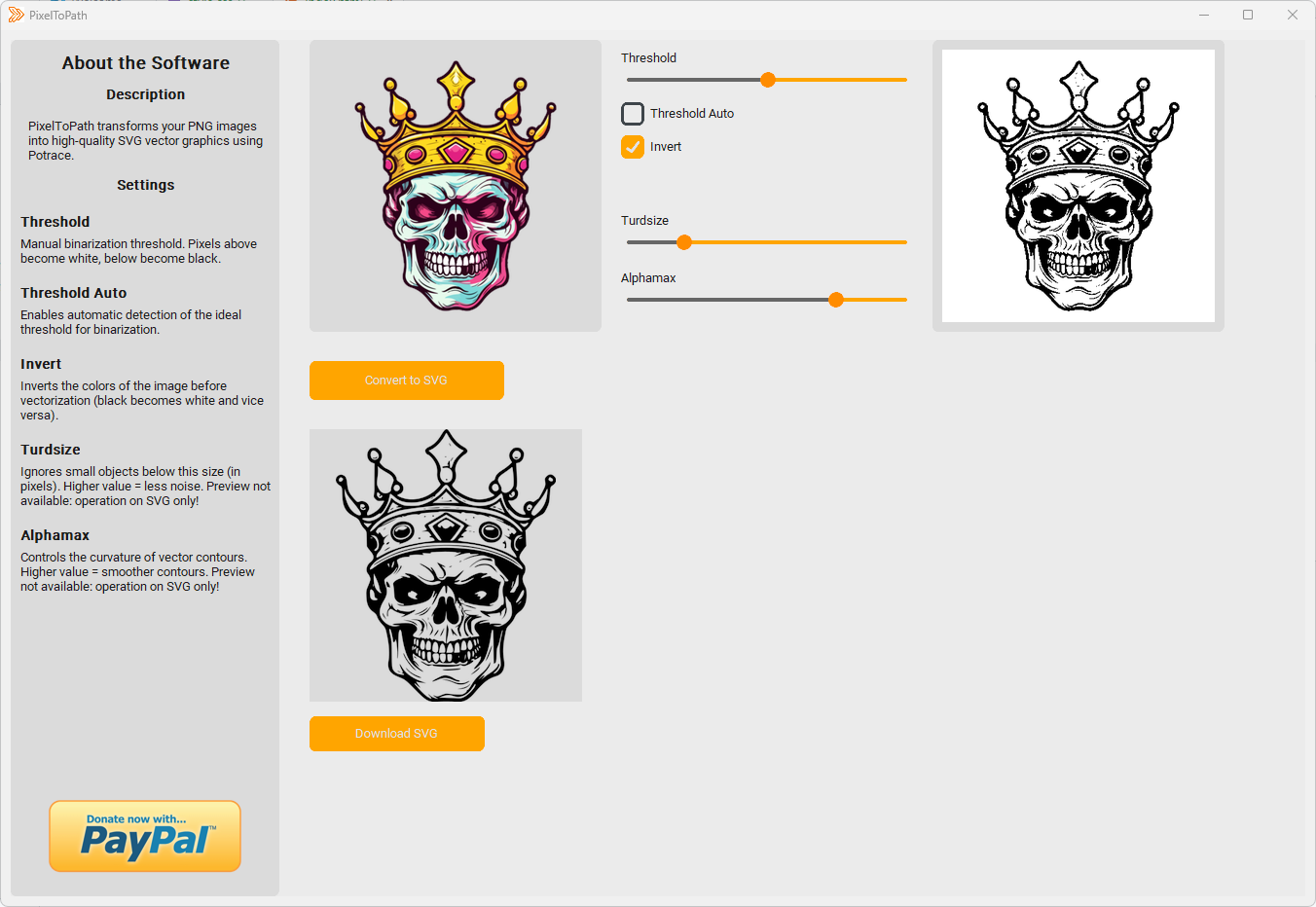
Powered by Potrace technology • 100% Open Source • Offline Privacy
Most online converters upload your images to a remote server. PixelToPath runs locally on your computer. Your designs, logos, and photos never leave your device.
Don't wait for upload bars or processing queues. Built with lightweight code, PixelToPath converts images in milliseconds using the powerful Potrace algorithm.
No "3 free credits per day" limits. Convert as many PNGs as you want, whenever you want. Ideal for batch processing assets for web development or graphic design.
Vectorization is essential for designers who need to scale logos without losing quality. Here is how to use PixelToPath:
The resulting SVG path is compatible with Adobe Illustrator, Inkscape, Figma, and web browsers.
Join thousands of users converting images simply.
Also available on: SourceForge | GitHub Releases
PixelToPath is free to use. If this tool helped you save time, consider buying me a coffee.
❤️ Donate via PayPal